Author: Priya
-
The 5-Minute Google Workspace Handover Guide for Staff GOING on Extended Leave
When a team member heads off on long service leave or another form of extended leave, the last thing you need is the lingering worry of missed client emails or locked-away files. In this guide, we cover the exact 5-minute process to lock down an absent employee’s Google Workspace account, give covering staff instant access…
-
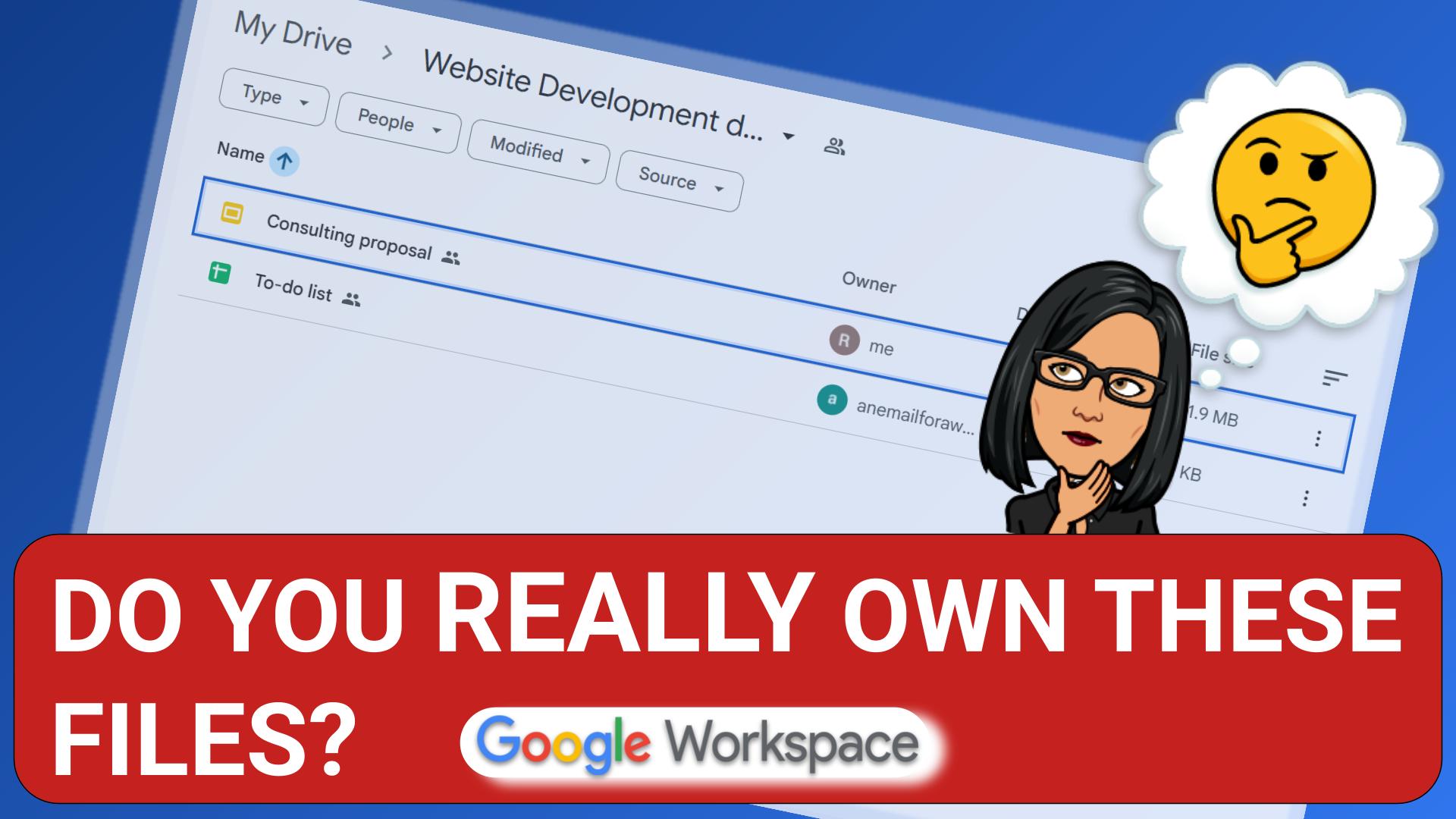
Stop Losing Business Files: How to Set Up Google Shared Drives Properly
If a contractor, bookkeeper, or employee left your business today, would you still have full access to every file they created for you? If your team relies on standard shared folders inside “My Drive”, the answer might surprise you—and not in a good way. In this guide, we break down why standard shared folders leave…
-
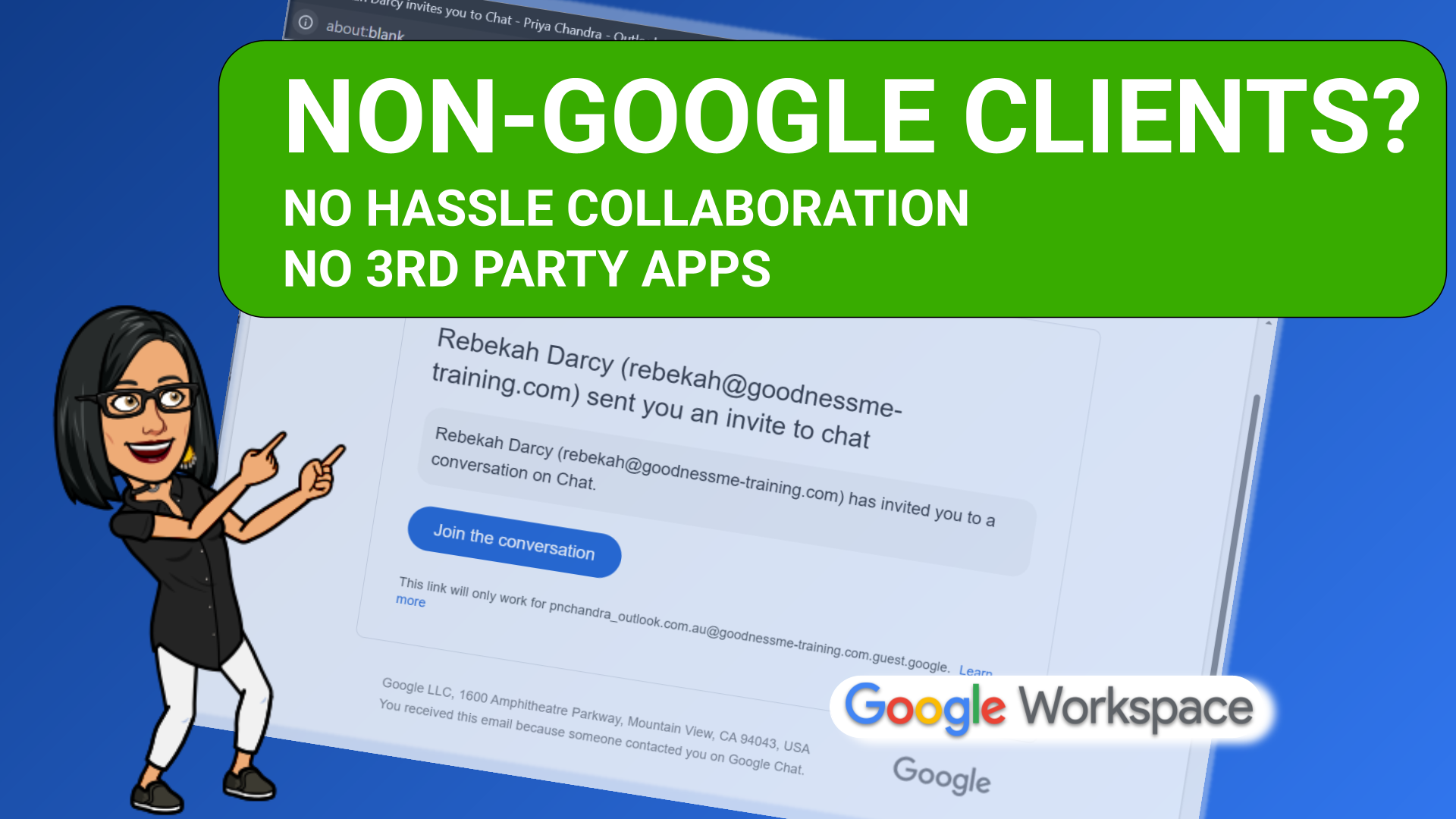
How to Collaborate Outside Your Business in Google Workspace
Without 3rd Party Software or Data Leaks If you need to work with someone outside your business who doesn’t have a Google account, and you don’t want to download extra software, don’t worry – Google Workspace has you covered. Google Workspace offers two built-in ways to handle external collaboration securely: Visitor Sharing and Workspace Guests.…
-
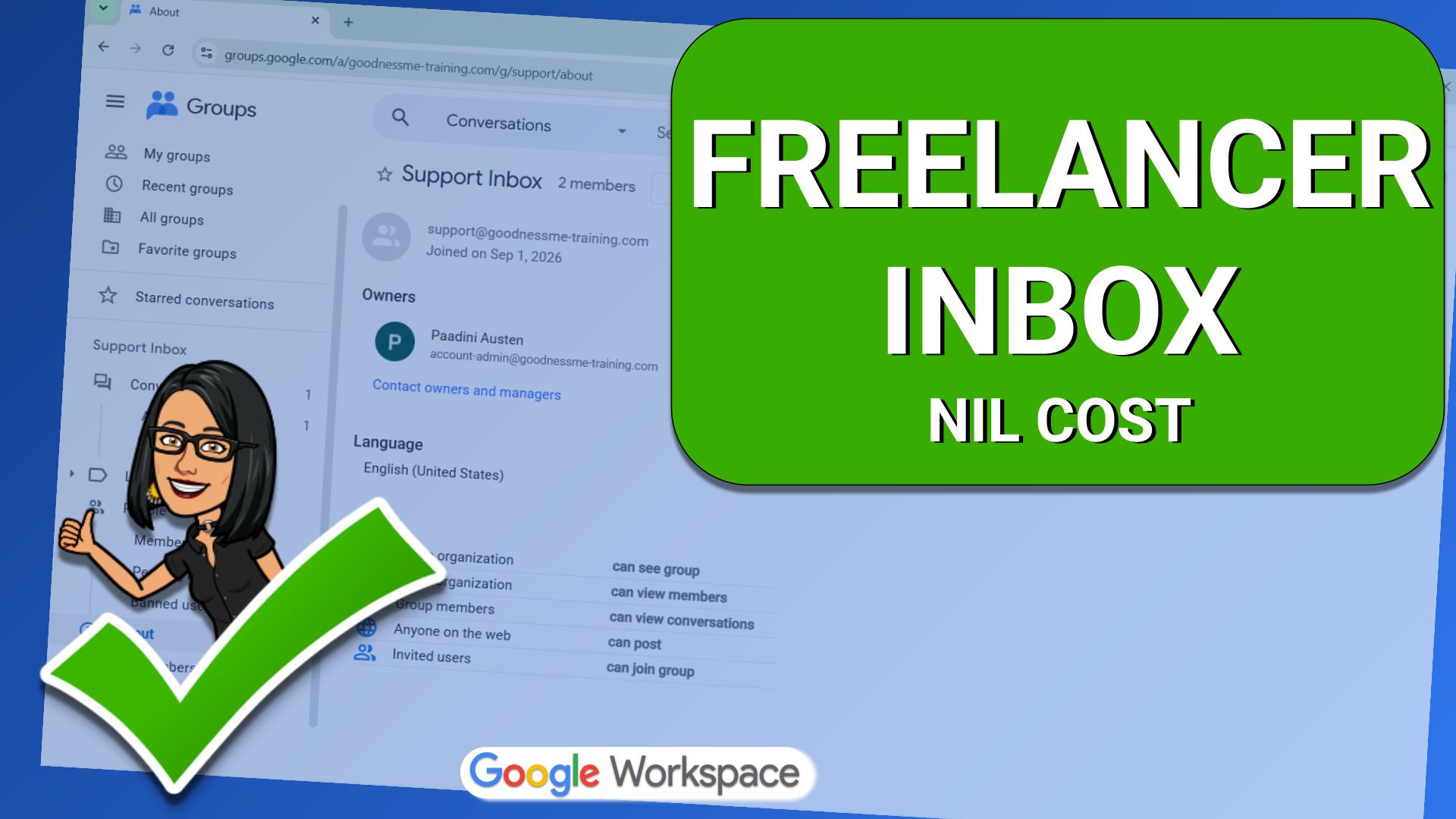
How to Set Up a Free Google Workspace Shared Inbox for Freelancers (Without Sharing Passwords)
If you need a contractor or virtual assistant to manage emails sent to invoices@ or support@yourdomain.com.au, you shouldn’t have to fork out for another paid Google Workspace licence—nor should you ever share an account password. This guide walks you through setting up a completely free, secure shared inbox using Cloud Identity Free and Google Groups,…
-
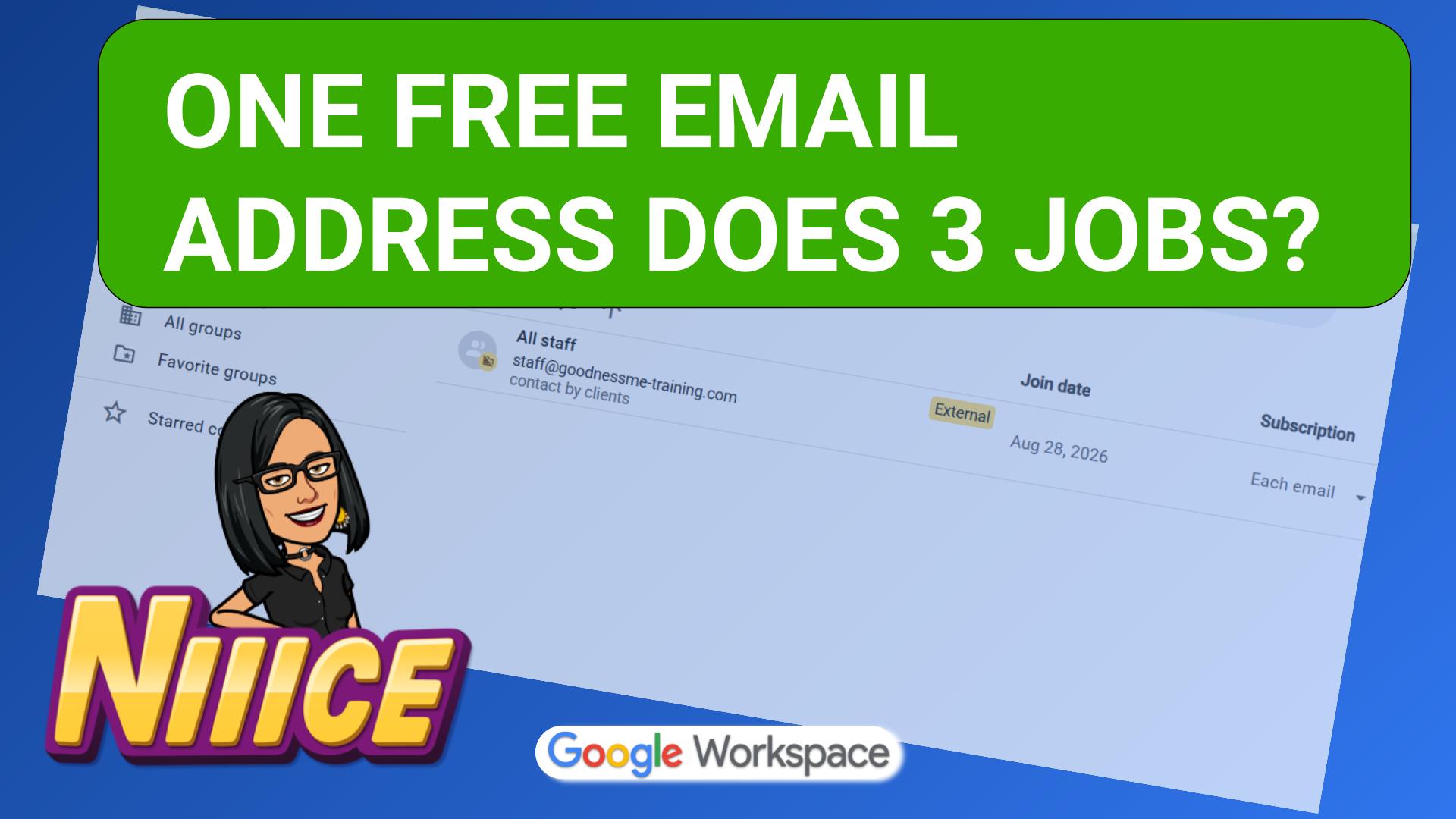
How to Set Up an “All Staff” Google Group in 5 Minutes
Are you sick of typing a dozen email addresses into calendar invites, hunting down external freelancer contacts, and praying you haven’t left anyone out when you email all your staff, or send a meeting invitation? In this guide, I walk through how to create one automated contact address—like staff@yourdomain.com.au—that updates your team calendar, syncs meeting…
-
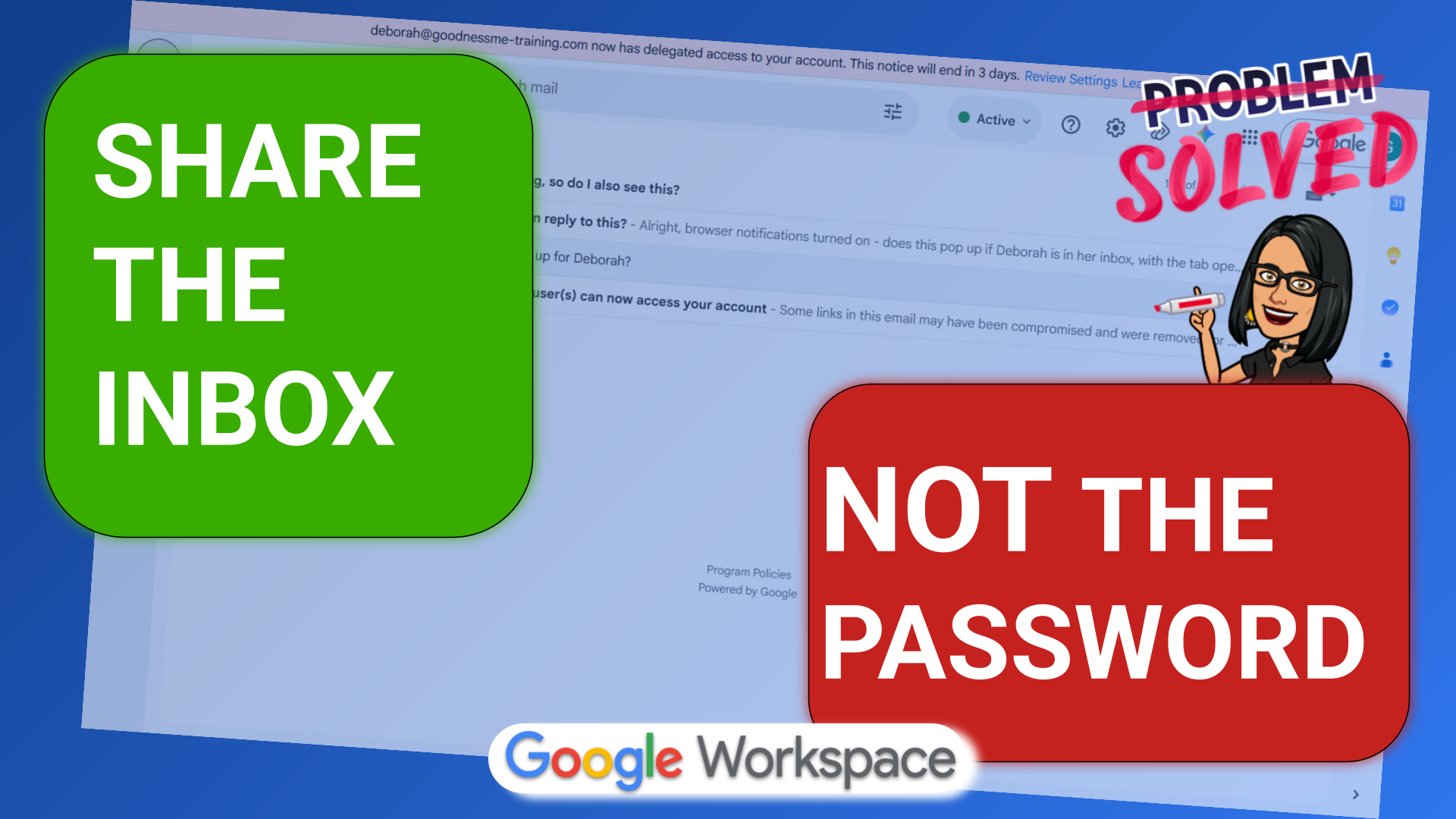
The Right Way to Set Up Shared Inboxes in Google Workspace
Sharing passwords to access generic inboxes like info@yourbusiness.com.au is a fast track to security risks and locked accounts. If you run a small business with a team of up to five people, there is a far better way to handle incoming enquiries. In this guide, I break down your options for managing shared inboxes in…